
Gap identification before risk
Identify training gaps before they become compliance risks. The matrix highlights who is overdue, who is at risk of lapsing, and which roles carry the highest concentration of incomplete requirements.
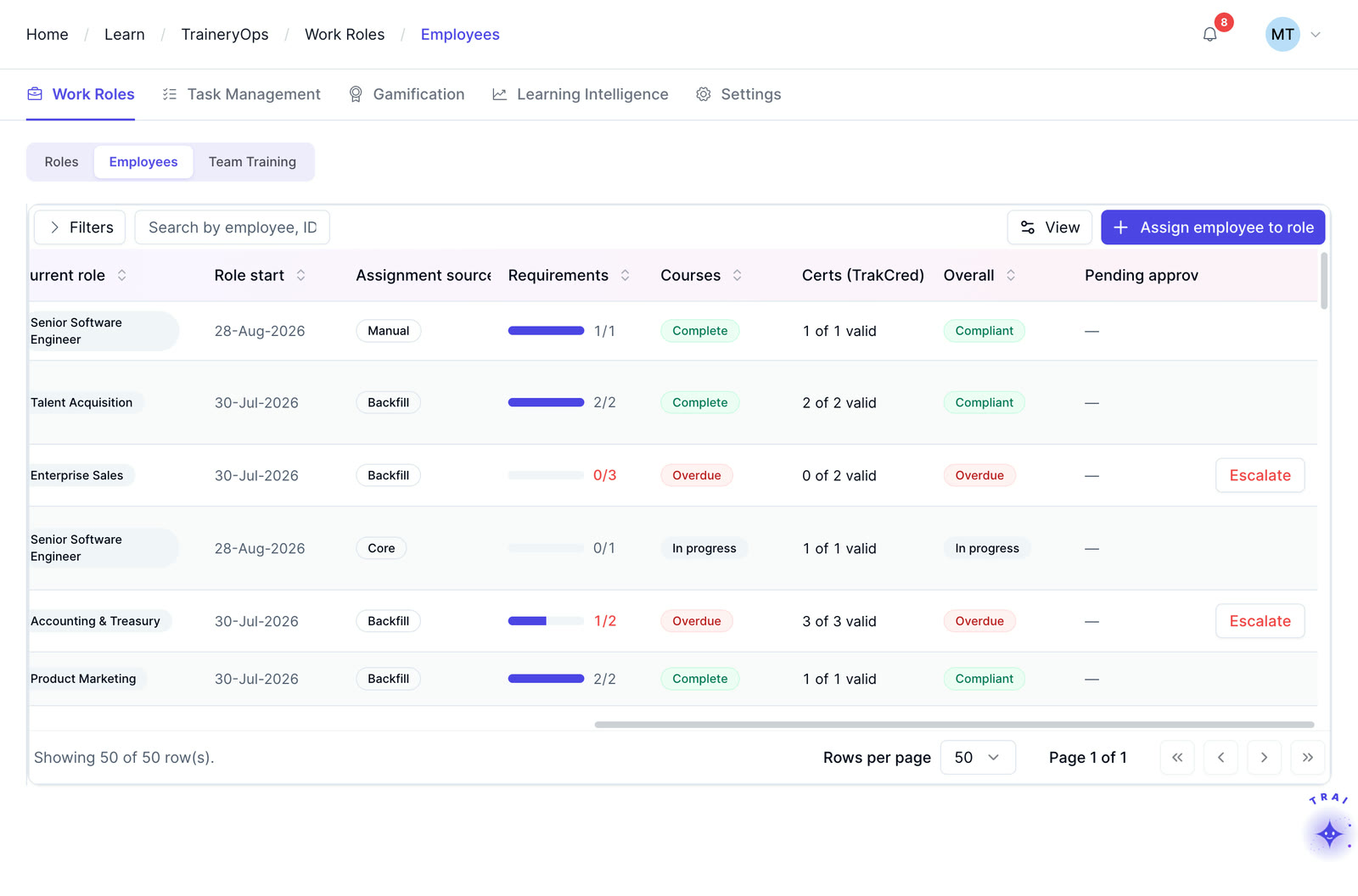
Map employees and roles against required courses, certifications, skills, and development requirements in one filterable view.
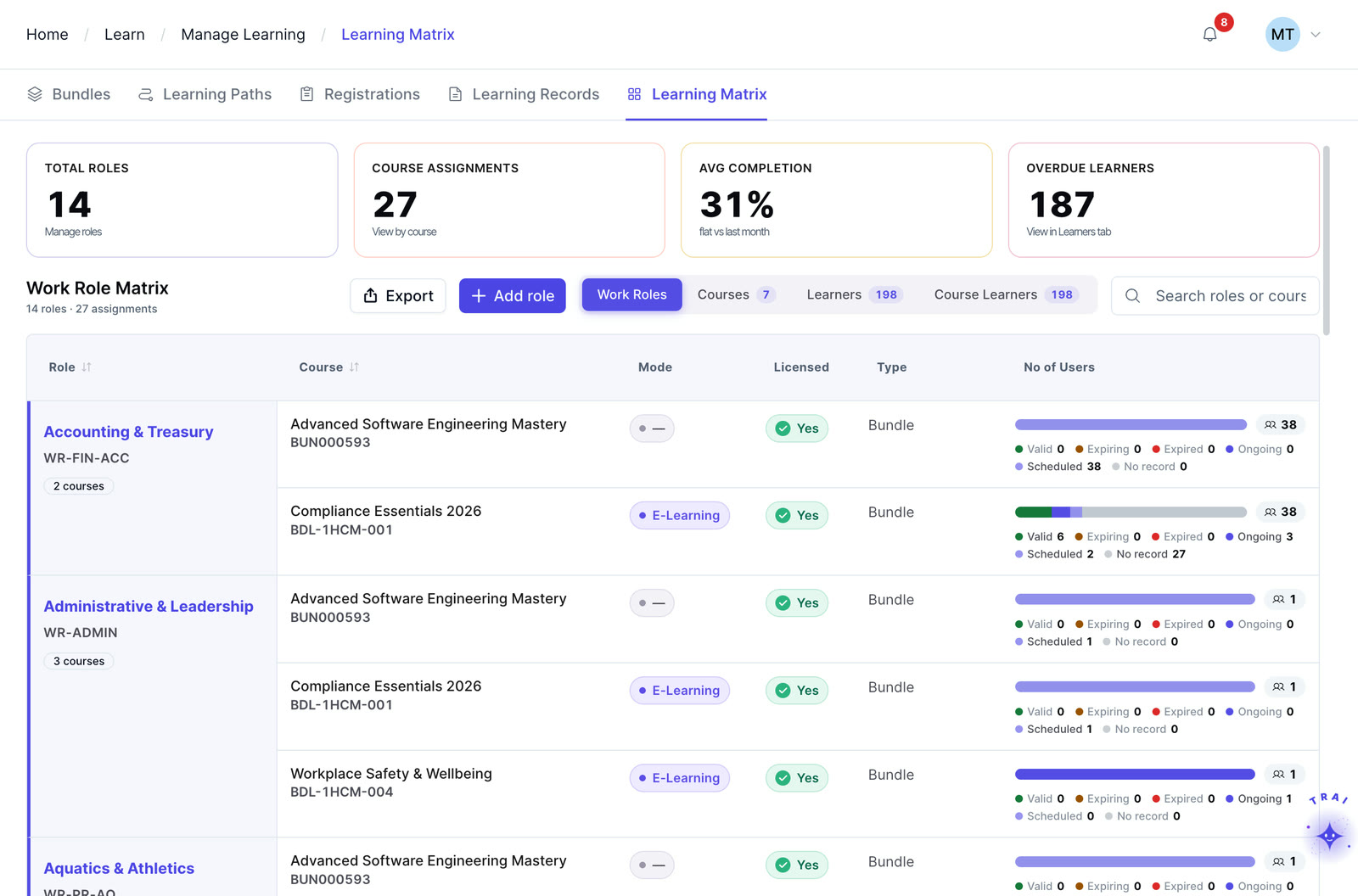
Learning matrix software maps employees or roles to required training, skills, certifications, and development requirements so L&D teams can identify gaps and track status from one view.
Use status indicators to identify completed, upcoming, overdue, or missing requirements and support compliance review without relying on disconnected spreadsheets.
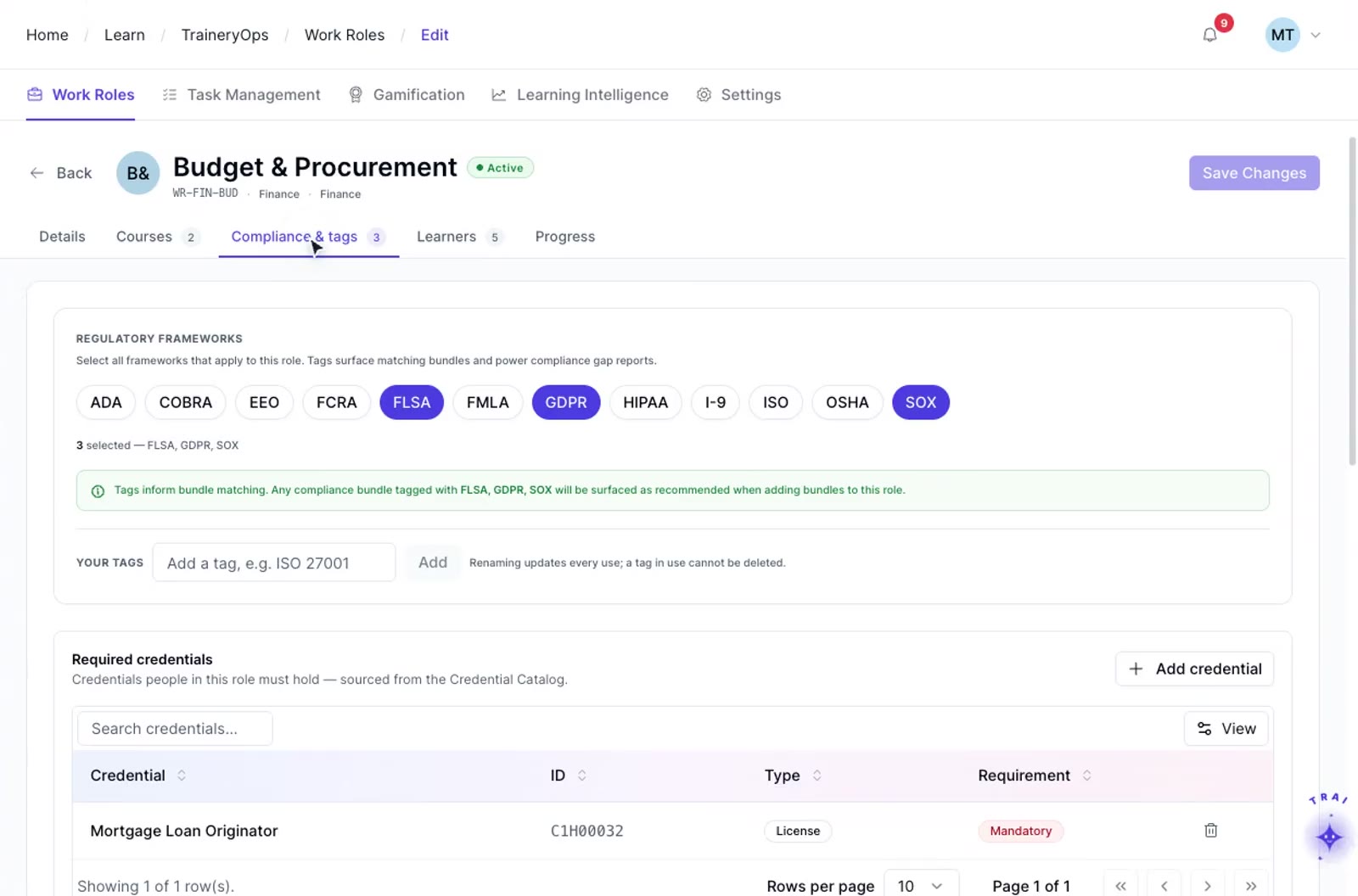
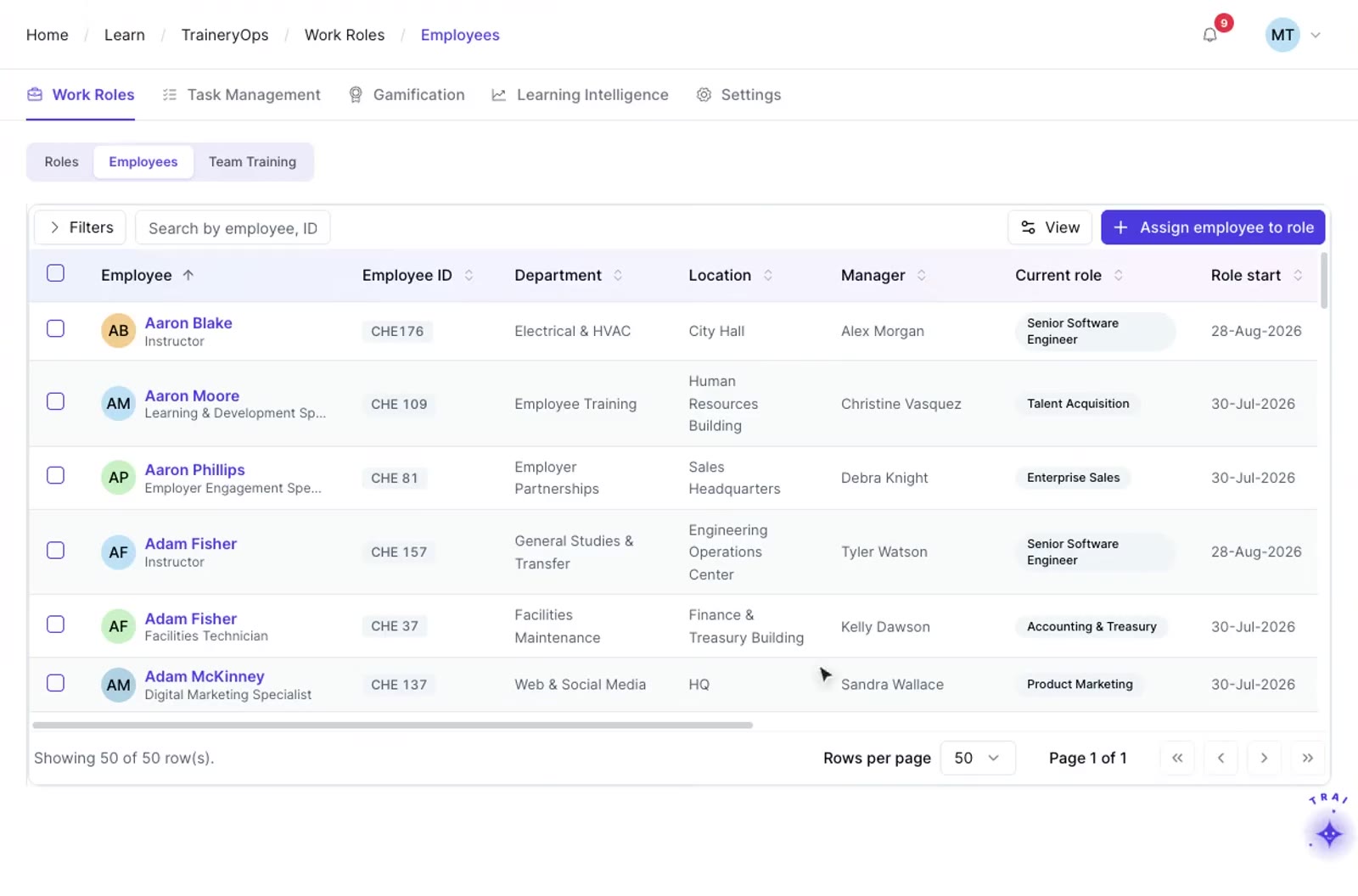
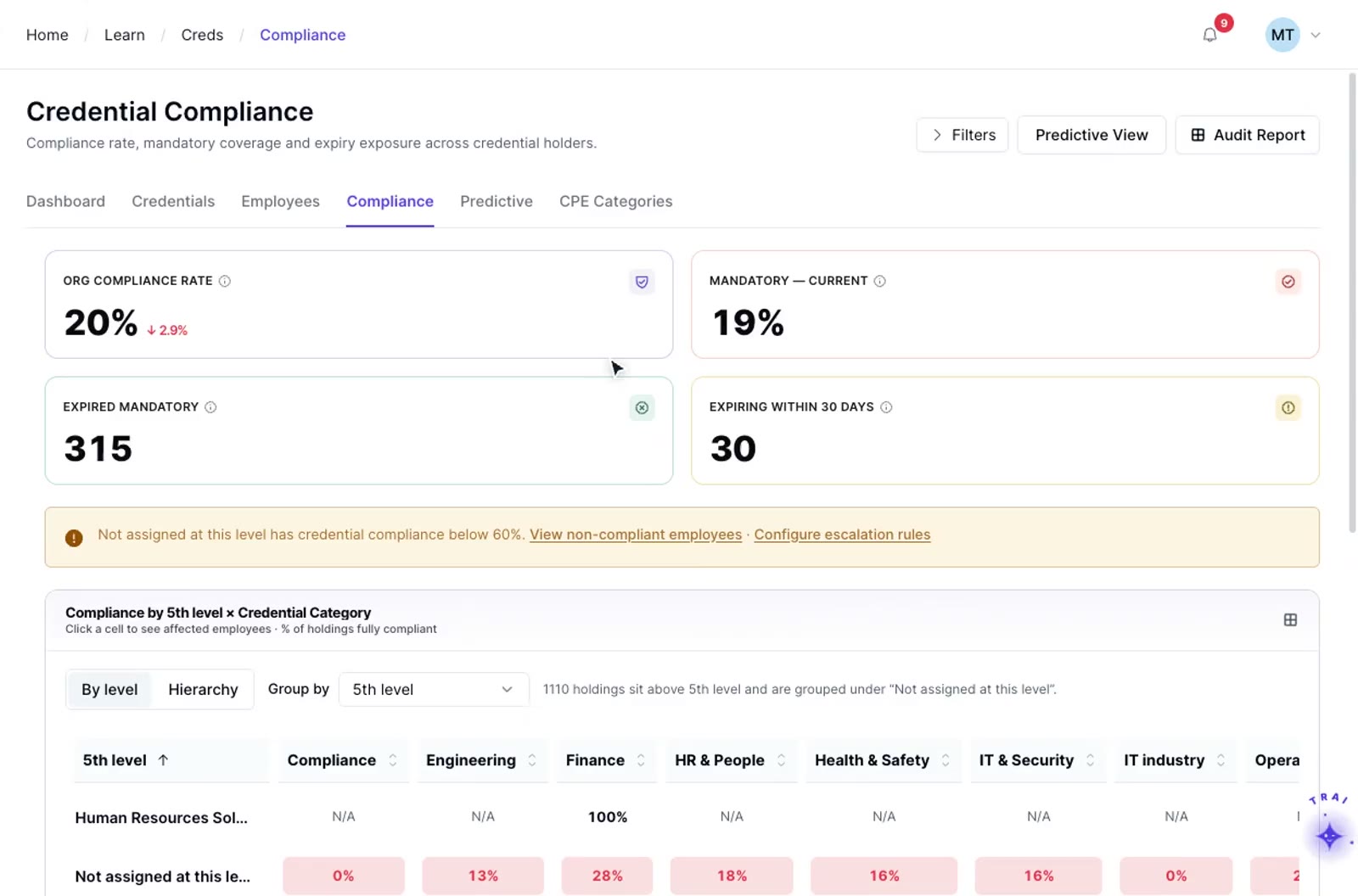
Define which training is required, recommended, or optional for each job role in the Learning Matrix. Role mappings can be maintained as positions or requirements change, with automation depending on the workforce data and configuration connected to Trainery.
Review training status in the matrix as learning records are updated. Status indicators can distinguish completed, upcoming, overdue, or missing requirements so teams can identify where follow-up is needed.
Filter the matrix to the relevant population and use Trainery reporting to prepare records for internal review or audit requests. Confirm the exact fields, export format, retention, and evidence requirements for the regulatory or organizational context in scope.
ILT and virtual training in TraineryLMS supports customer training, partner learning, and external audiences with scheduling, instructor management, cost tracking, and recurring-program administration for training audiences outside your organization.
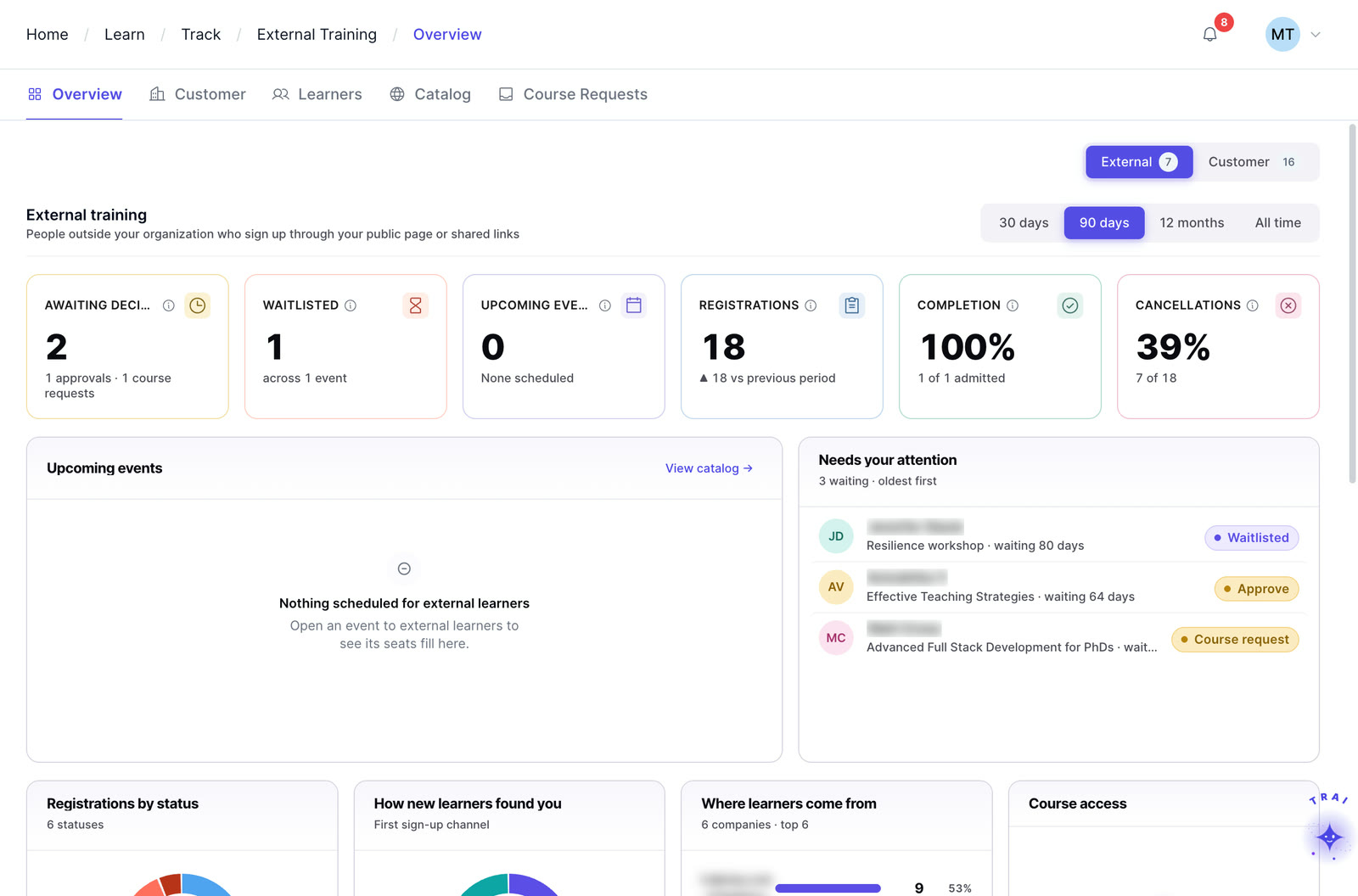
Use the matrix with automated training alerts to act before deadlines, then use Trainery reporting to support internal compliance review and audit preparation.
Identify training gaps before they become compliance risks. The matrix highlights who is overdue, who is at risk of lapsing, and which roles carry the highest concentration of incomplete requirements.
A color-coded grid maps every person against every required program. Green means complete, yellow means due soon, and red means overdue or missing. Compliance status is visible without running a single report.
Filter the matrix by department, location, job role, regulation, or certification type to focus on the population and requirements relevant to the review.
Map training as required, recommended, or optional for each role. The matrix respects these designations, so reports clearly separate mandatory compliance gaps from optional development gaps.
Use filtered matrix views and reporting exports to prepare training records for internal compliance teams or audit requests. Confirm the required fields, evidence, retention, and export format for the specific regulatory context.
Use the matrix to plan training rollouts with precision, see which teams or roles need the most attention, and sequence delivery to close gaps efficiently across the organization.
TraineryLMS brings your corporate LMS, ILT and virtual training, coaching and a content marketplace into one integrated platform.
TraineryLMS focuses on the delivery and tracking of digital learning experiences directly to the learner.
Best for: Digital course delivery at scale
ILT and virtual training in TraineryLMS optimizes the back-office operations, logistics, and financial management of training programs.
Best for: Structured training operations
Coaching in TraineryLMS gives managers and L&D teams a structured system for coaching conversations, goals and session tracking.
Best for: Structured manager coaching
TraineryXchange adds ready-to-use courses across compliance, safety, leadership, onboarding and technical skills.
Best for: Ready-made course content
The core learning engine for digital course delivery, role-based learning, SCORM/xAPI content, reporting, and configurable workforce-system integration.
These role-based examples show how compliance officers manage training compliance and how L&D teams prioritize workforce readiness before audits, onboarding milestones, and regulatory rollouts.
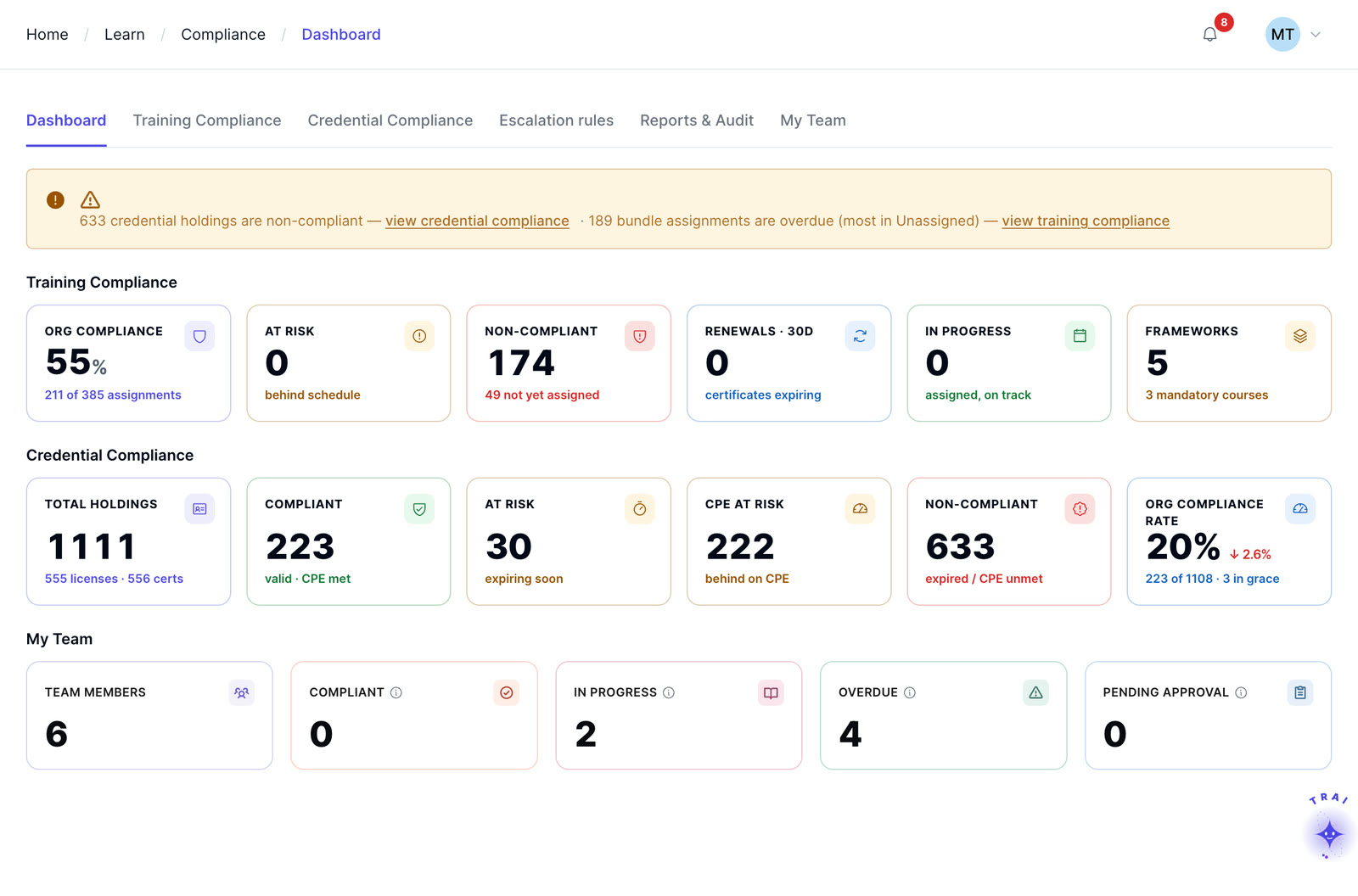
Most organizations discover compliance gaps during an audit or after an incident. The Learning Matrix gives L&D leaders, compliance officers, and operations managers real-time compliance visibility to prevent those moments rather than react to them. It connects training requirements to audit-ready reporting, so the platform supports accountability as well as delivery.
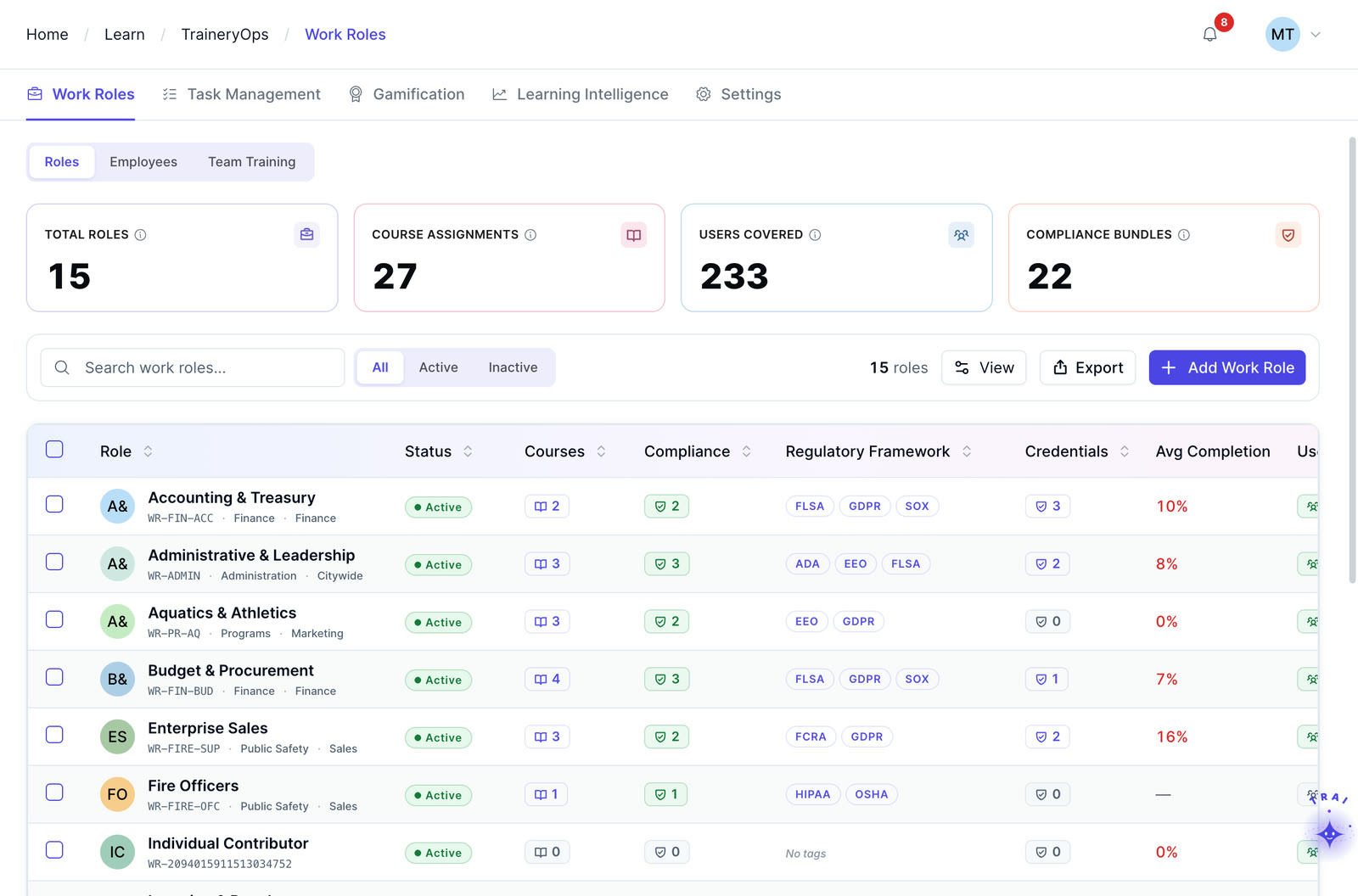
Learn how the Learning Matrix connects with TraineryOPS for training planning and TraineryCORE for role-based employee data.
Learning Matrix availability depends on the Trainery modules and plan selected. Confirm current packaging and access requirements during solution scoping.
Yes. Each training program can be mapped as required, recommended, or optional per role. The matrix respects these designations so compliance reports focus on mandatory gaps rather than mixing them with optional development items.
The matrix and filtered views can support export workflows for compliance review. Confirm the available fields, formats, and evidence required by your auditor or regulator during implementation.
When an employee is assigned a new role in TraineryCORE, the Learning Matrix updates automatically to reflect that role’s training requirements. Previously completed courses that satisfy the new role’s requirements are carried over and new gaps are immediately visible without any manual reconfiguration.
The matrix can be filtered by dimensions such as regulation, certification type, department, location, and role when those fields are configured. This helps compliance teams focus on the population relevant to a specific review.
By default, the Learning Matrix covers internal employees. Organizations using Trainery’s Extended Enterprise Training capability can configure separate matrix views for external audiences such as partners, resellers, or association members with the same color-coded compliance status and filtering capability.
The alert threshold can be configured by certification or program so teams can align warning periods with the applicable renewal or compliance window.
Whether you need digital learning or structured training operations, our team can help you evaluate the right fit for your organization.