
Multi-location rollout
Roll out the same program across multiple offices or regions simultaneously. Location-specific capacity, time zones, and venue configurations are managed centrally, without separate scheduling processes per site.
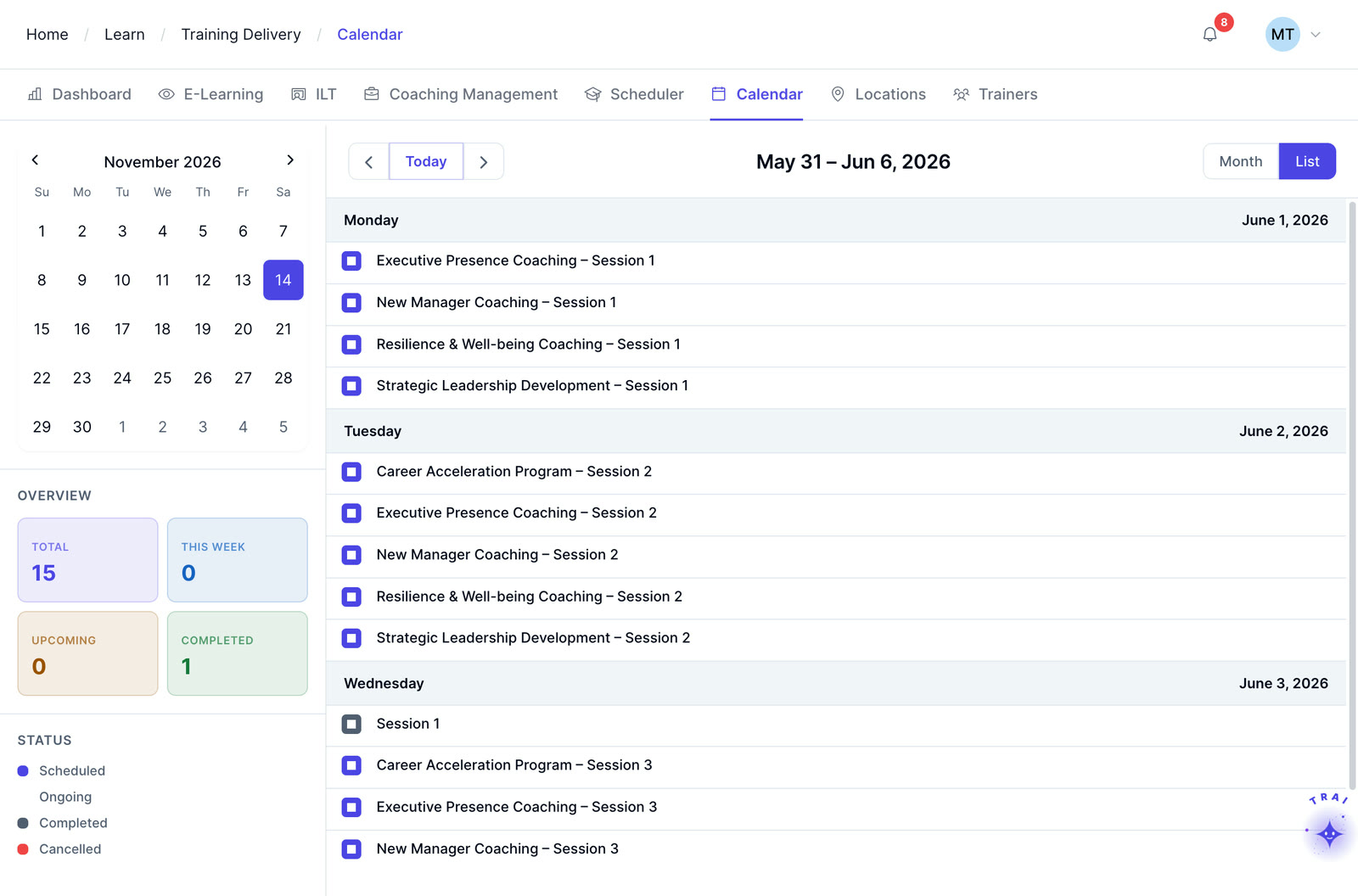
Coordinate instructor-led and virtual training sessions with instructors, learners, rooms, capacity, registrations, waitlists, approvals, materials, and recurring-program workflows in one scheduling interface.
ILT training scheduler software helps L&D teams coordinate instructor-led and virtual sessions, including instructors, learners, rooms, capacity, registrations, waitlists, approvals, and recurring training programs from one scheduling workflow.
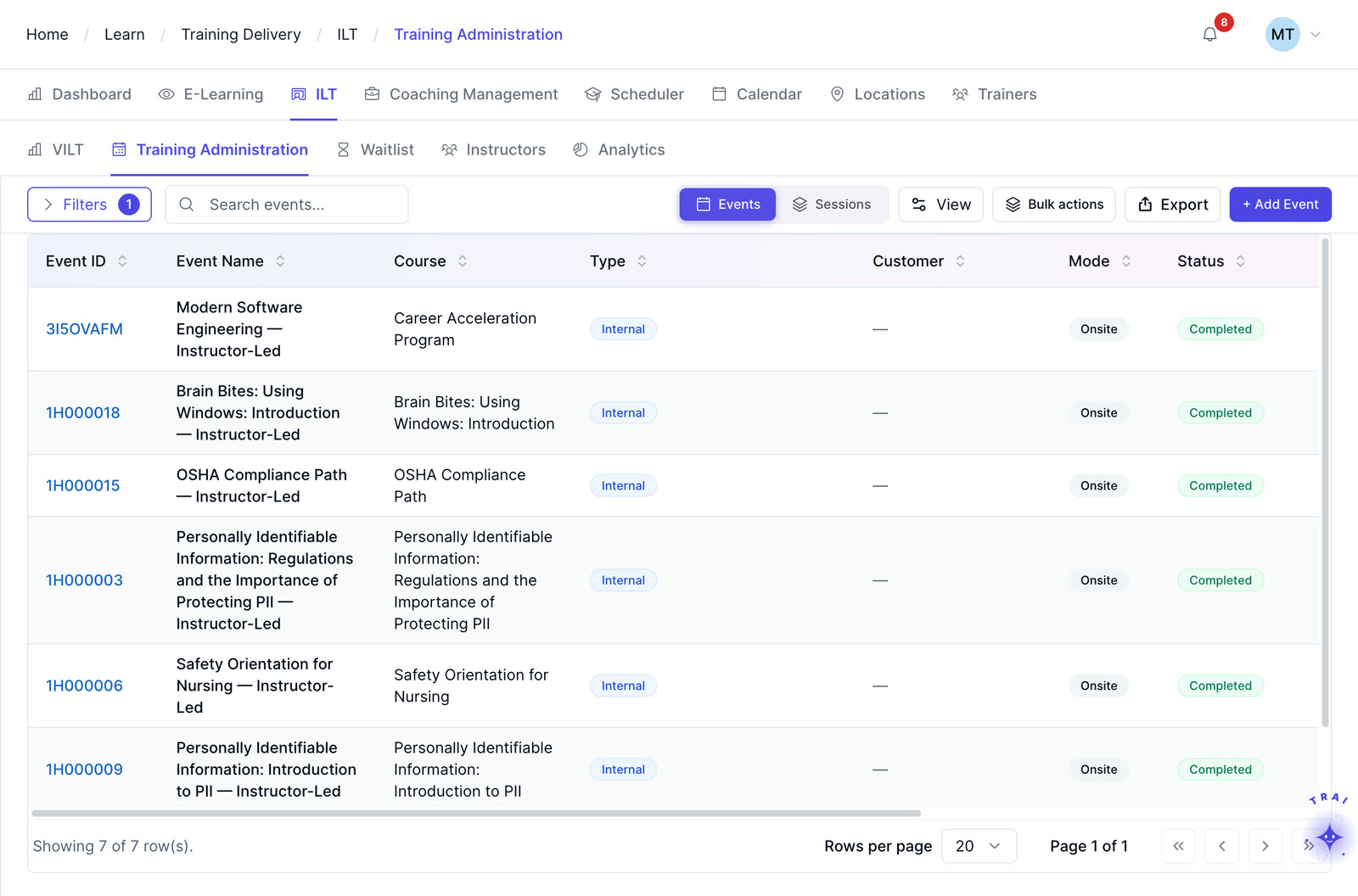
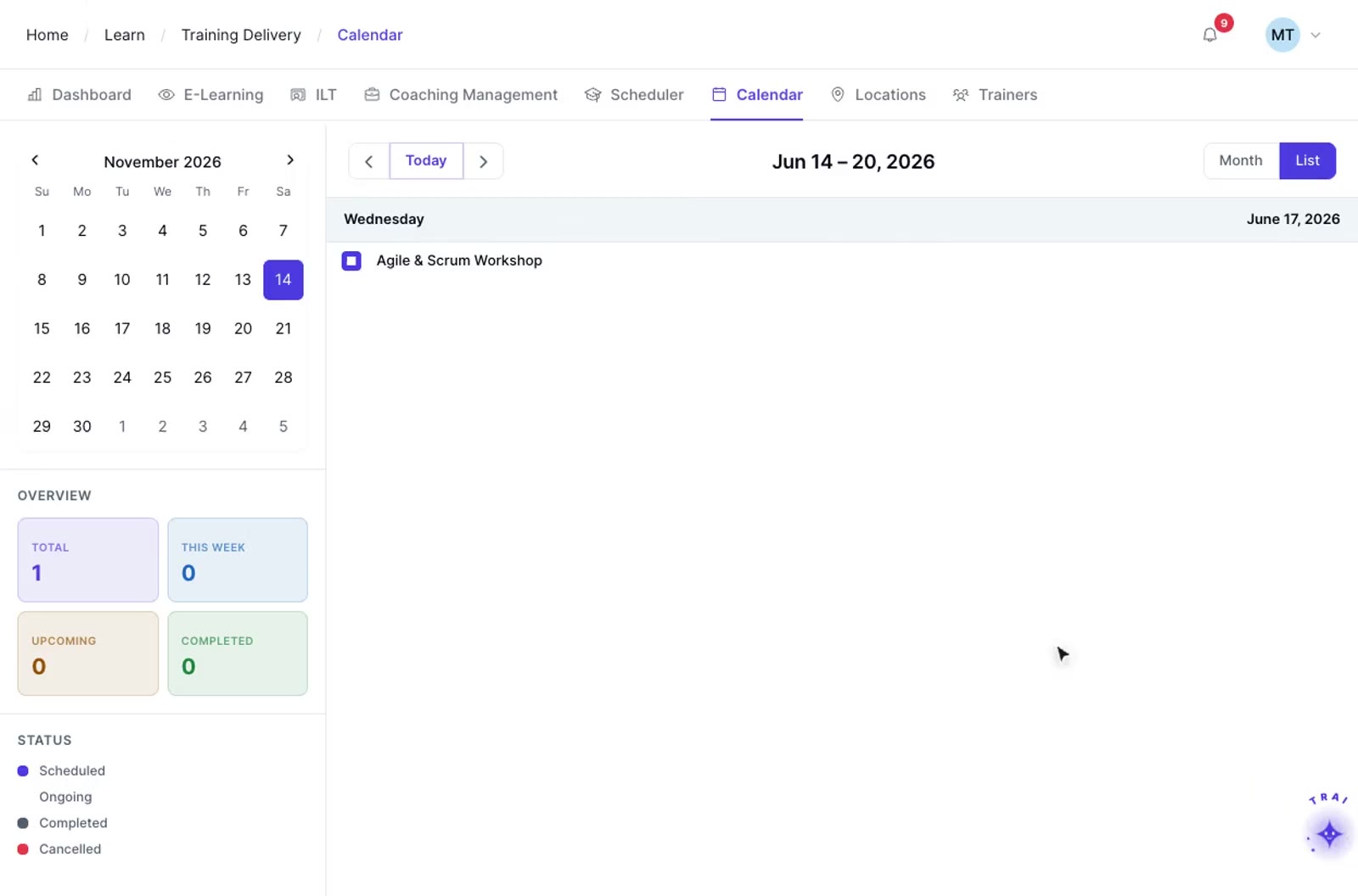
Define the session type, delivery format, required instructor qualifications, room or virtual platform, capacity, and materials. Templates let you reuse the same configuration for recurring programs.
Review instructor availability, room bookings, learner eligibility, and other scheduling constraints before confirming a session. Available conflict checks depend on the calendar, resource, and workflow configuration in scope.
Publish the session and manage enrollment, capacity, waitlists, approvals, and participant communications from the scheduling workflow. Automation options should be confirmed for the program and notification rules being configured.
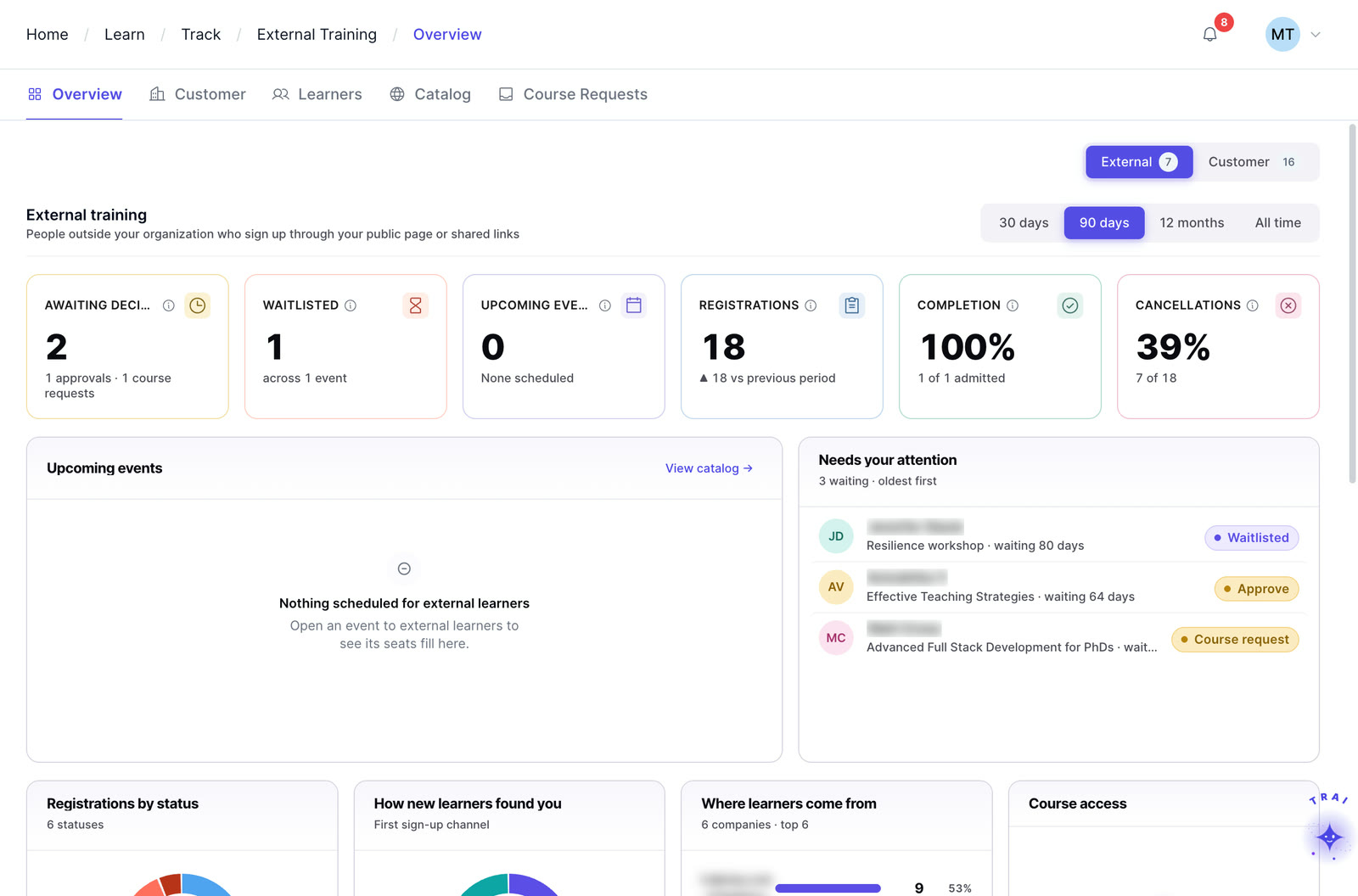
ILT and virtual training in TraineryLMS can support customer, partner, and other external training audiences with scheduling, instructor management, cost tracking, and recurring-program administration.
Templates, conflict checks, waitlists and approvals inside one scheduling workflow.
Roll out the same program across multiple offices or regions simultaneously. Location-specific capacity, time zones, and venue configurations are managed centrally, without separate scheduling processes per site.
Create reusable session templates with instructor requirements, room setup, pre-work, and materials to reduce repeated configuration across recurring cohorts.
Use configured instructor, room, and learner constraints to surface potential scheduling conflicts before session confirmations are sent.
Manage capacity and waitlists within the session workflow. Promotion and notification behavior can be configured based on the registration rules used for the program.
Configure manager or administrator approval steps where required and track registration status inside the training workflow.
Connect session scheduling with Trainery calendar and notification workflows. Confirm the available calendar integration, update behavior, and notification rules for the deployment.
TraineryLMS brings course delivery, training management, coaching and a content marketplace into one integrated platform.
TraineryLMS focuses on the delivery and tracking of digital learning experiences directly to the learner.
Best for: Digital course delivery at scale
ILT and virtual training in TraineryLMS optimizes the back-office operations, logistics, and financial management of training programs.
Best for: Structured training operations
Coaching in TraineryLMS gives managers and L&D teams a structured system for coaching conversations, goals and session tracking.
Best for: Structured manager coaching
TraineryXchange adds ready-to-use courses across compliance, safety, leadership, onboarding and technical skills.
Best for: Ready-made course content
The core learning engine. Centralized course delivery with role-based dashboards, SCORM/xAPI content support, and configurable HRIS integration options.
How L&D teams handle rollouts, recurring programs, full sessions and double-bookings.
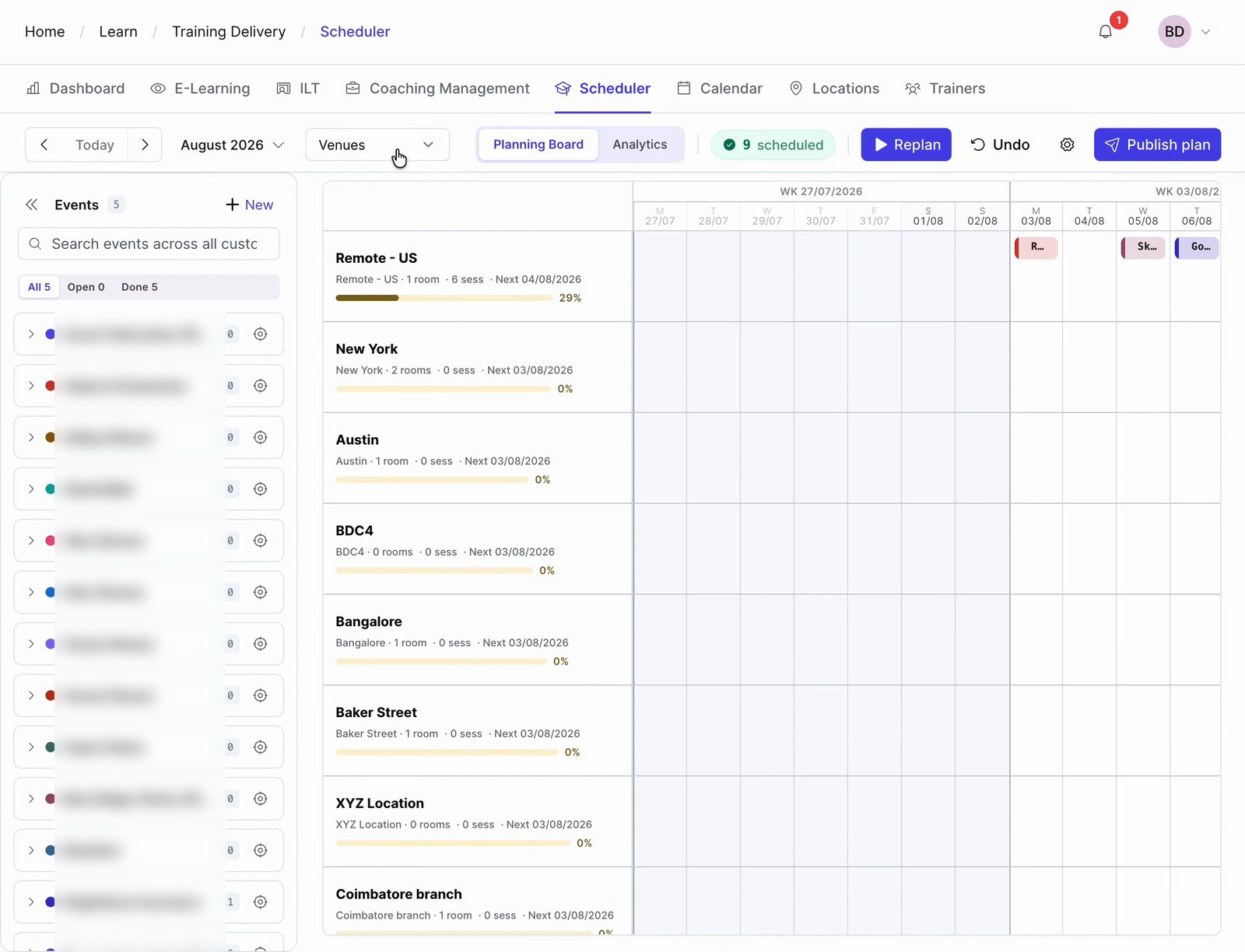
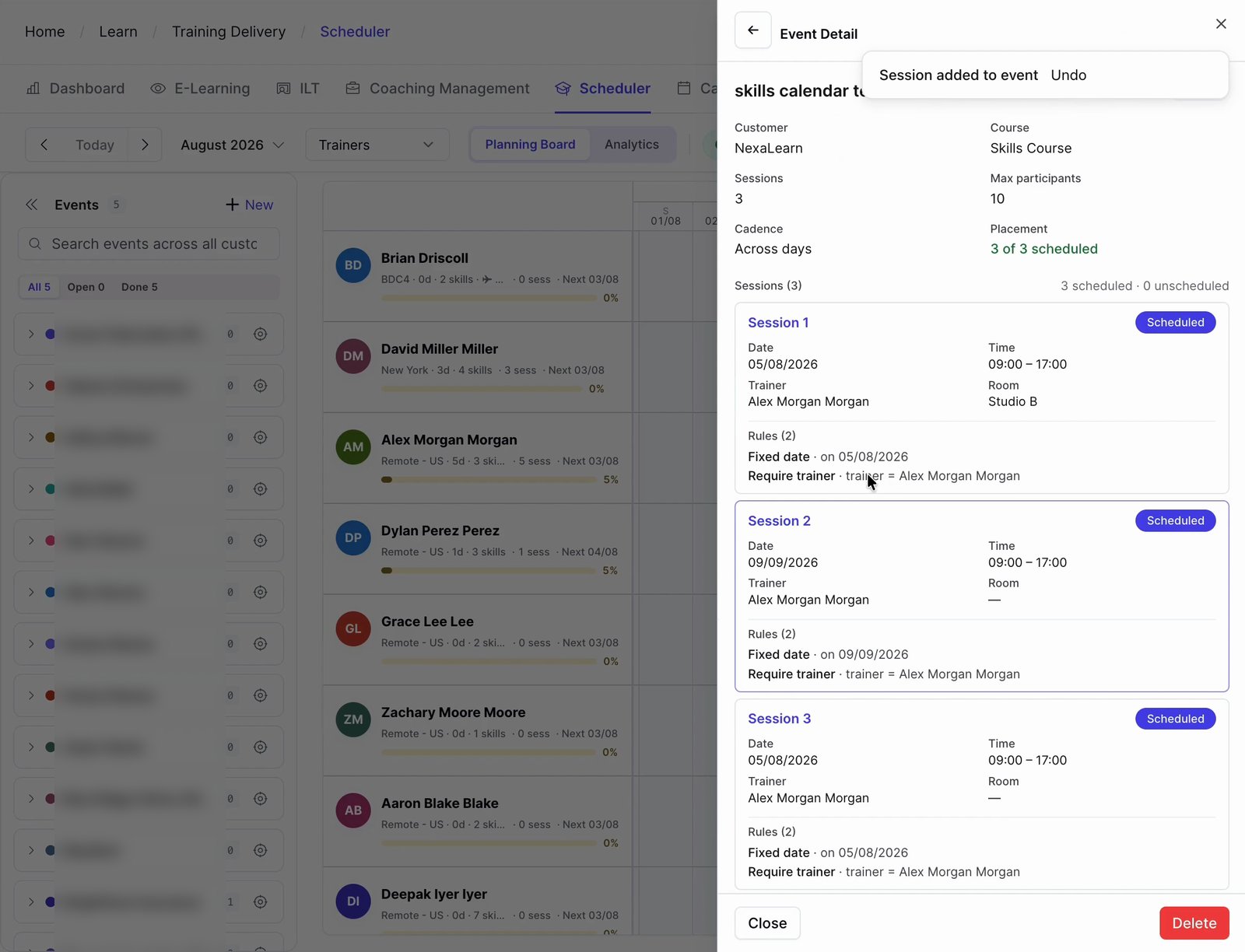
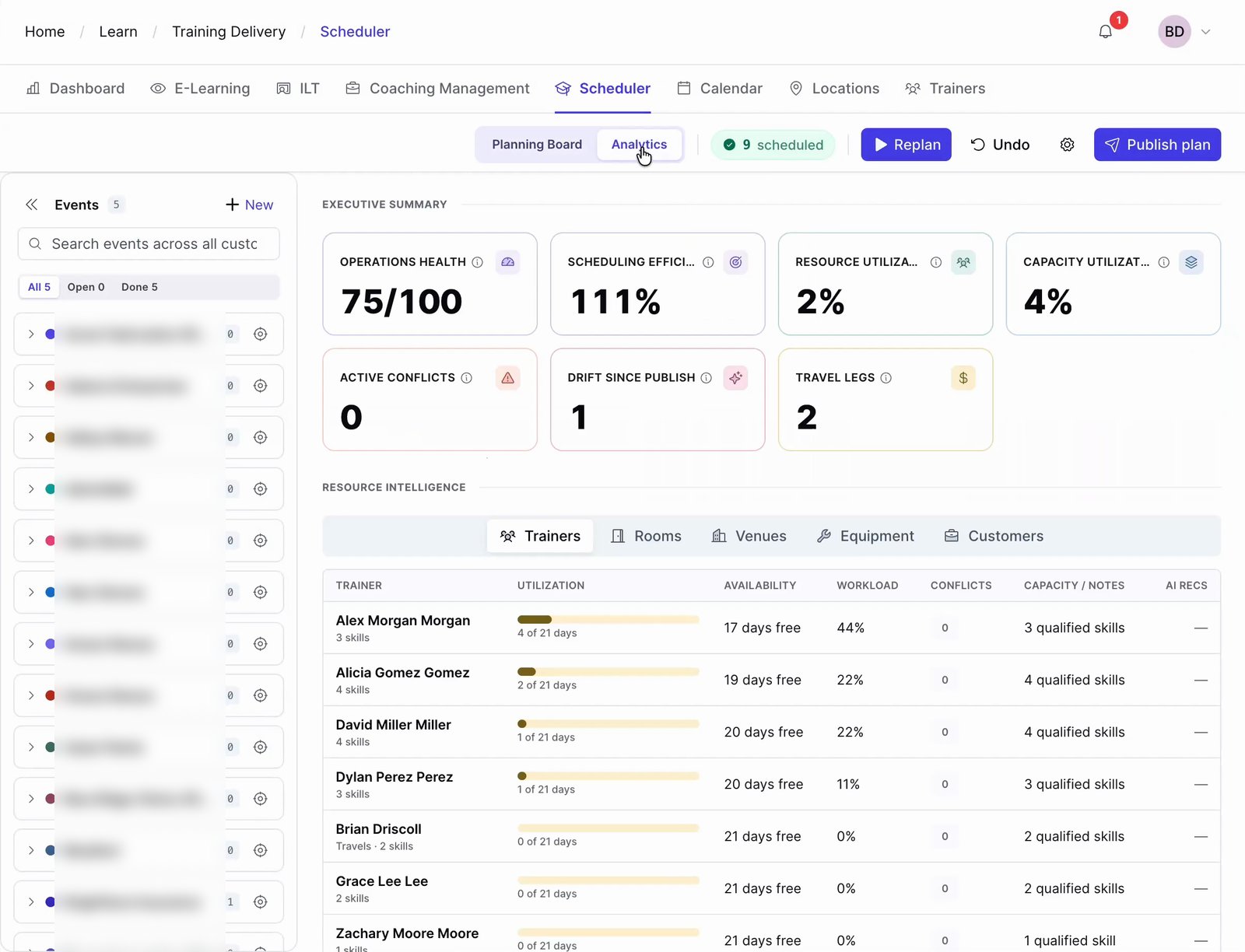
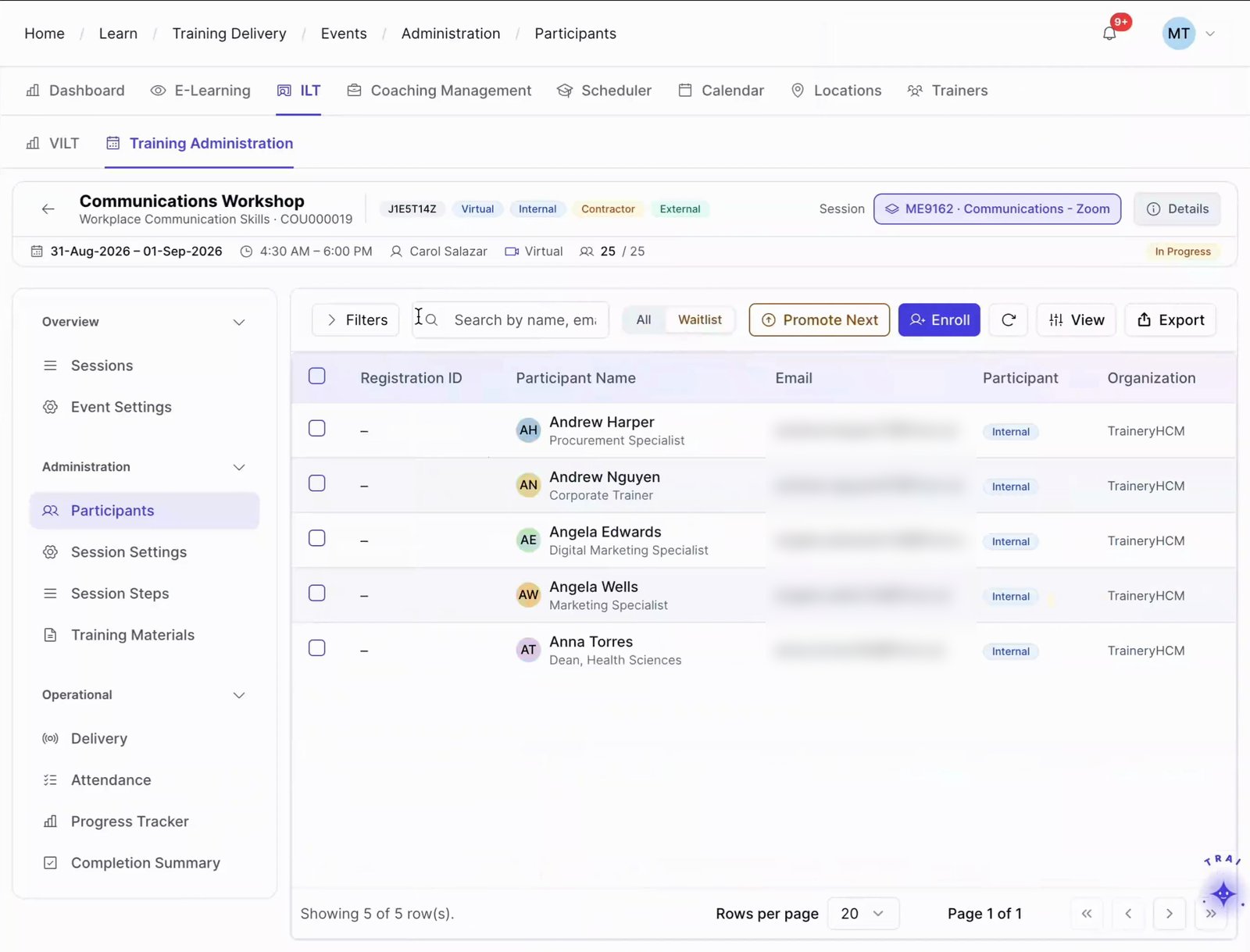
Double-booked instructors, unavailable rooms, learner schedule clashes, and side-spreadsheet waitlists are common training-operations problems. A dedicated scheduler helps teams surface these issues earlier and manage them within a consistent workflow.
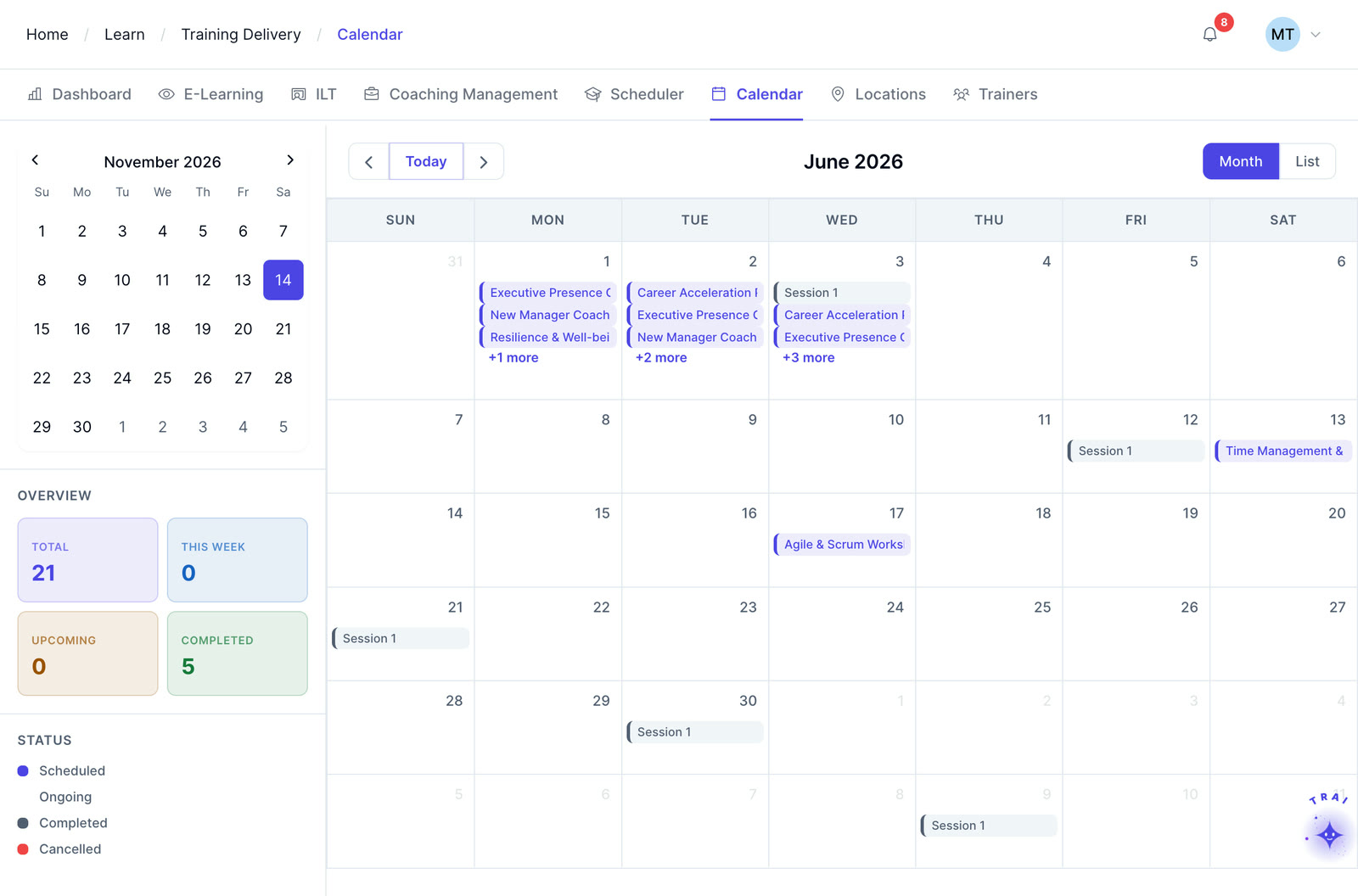
Trainery Scheduler can support classroom, virtual, and blended session workflows. Confirm the virtual-platform connection, capacity model, and hybrid-session configuration required for your deployment.
When a session reaches capacity, the waitlist workflow can manage additional registrations according to the program’s configured rules. Confirm promotion order, notification behavior, and whether confirmation is automatic or administrator-controlled for the deployment.
Reusable session templates can support consistent programs across multiple locations while allowing location-specific details such as rooms, instructors, capacity, and time zones. Confirm the multi-location configuration needed for your rollout.
Trainery can support administrator enrollment and self-registration workflows. Eligibility, approval, registration deadlines, and session-specific rules should be configured to match the program.
Trainery can support calendar-integration workflows for scheduled training. Confirm the calendar providers, invitation behavior, update handling, and cancellation workflow required for your environment during solution scoping.
Recurring session templates can reduce repeated setup across monthly, quarterly, annual, or other training cycles. Confirm how session generation, enrollment windows, and notifications should behave for the program being configured.
Attendance can be recorded through instructor workflows, and supported virtual-platform integrations may provide additional attendance data. Confirm the attendance source, matching rules, and reporting behavior required for the deployment.
Review how Trainery can support your instructors, rooms, registrations, capacity, waitlists, approvals, recurring programs, and calendar requirements.